
How to complete E-Consent
1. You will get an email with a subject of "You have been asked to join a Mortgage Application"
The sender will be noreply@mtg-alerts.com

2. Click "Click Here to Start"

3. Click the "Create password" field.

4. Enter your password and click "Sign Up"

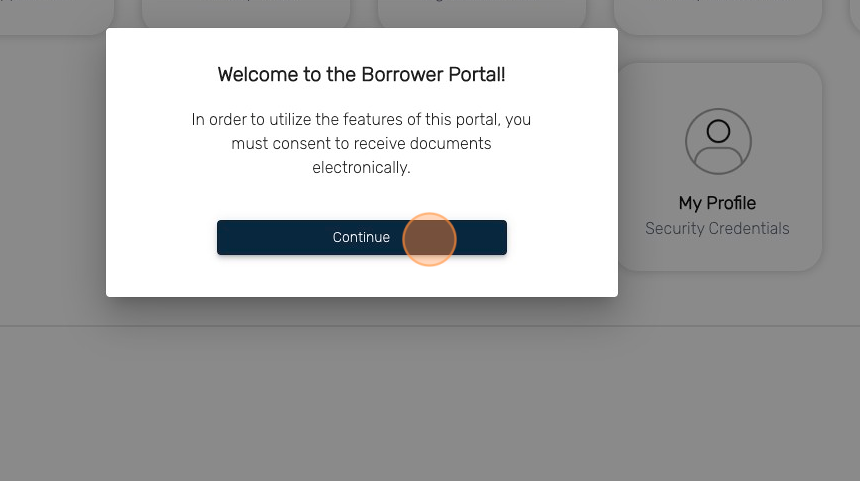
5. When you first log in, a pop up will show up in regard to e-Consent. Click "Continue"
6. Click "I consent to receive documents electronically"

7. Click "Finish"

8. This pop-up may show up if one of our team members is working in your file. If so, give us a call or wait a 10-15 minutes and try to log back in again. You will get a different result.

9. If e-Consent was successful, you will get a message stating that "Authorization was successful"
Click ok
You are done

